
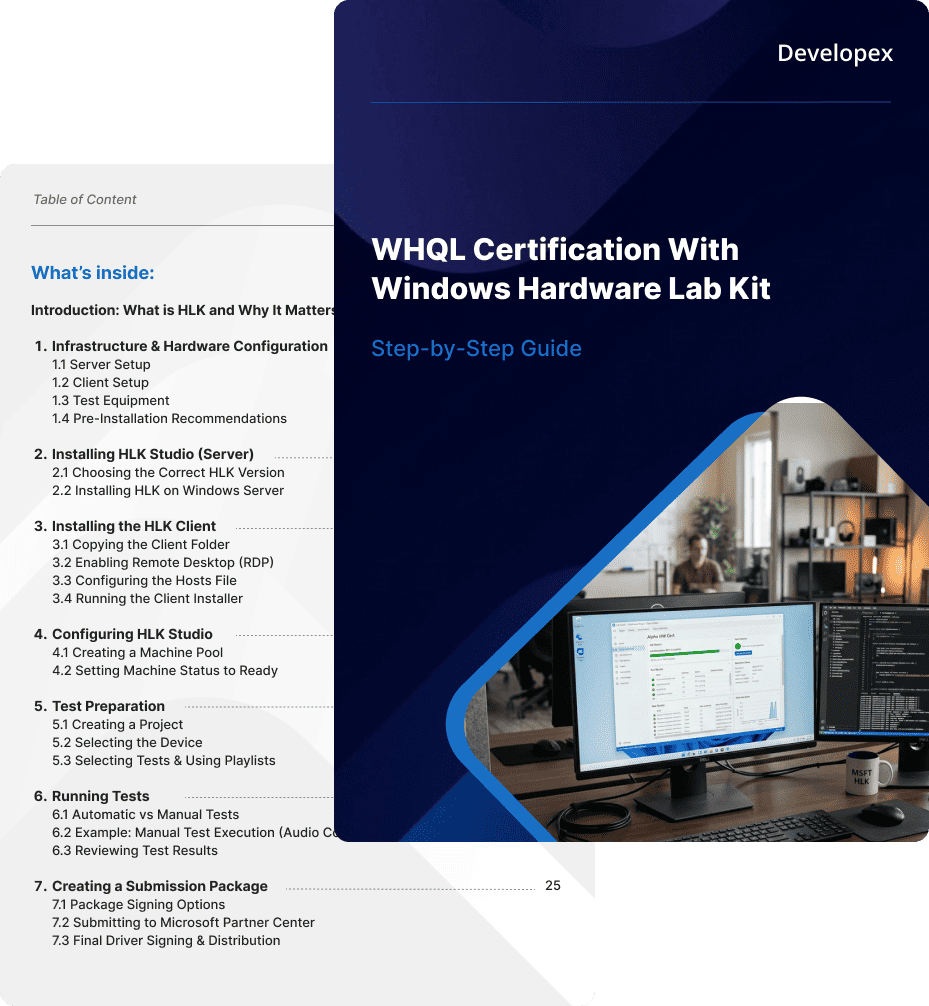
A practical, engineer-authored playbook for driver developers and QA teams navigating Windows Hardware Lab Kit (WHQL) certification — from infrastructure setup to final driver signing.
7 chapters - from infrastructure to Partner Center
Built on real certification cycles, not copied from docs
The official Microsoft documentation tells you what to do. It doesn’t tell you what breaks, what’s missing, or what actually happens between running your first test and getting your driver signed.
Most teams learn HLK through trial and error — version mismatches that cause silent failures, client machines that won’t initialize, manual tests with no clear instructions, and a submission process that assumes you already know the rules.
7 structured chapters. No fluff. Every section is a real step in the certification process.
Exact server and client specs that work. Pre-installation checklist including VNC setup, backup strategy, and firewall recommendations.
How to choose the correct HLK version for your target Windows build. Step-by-step Studio installation walkthrough.
Copying the Client folder from the server, enabling RDP, configuring the hosts file on both machines, and running the correct installer for your OS architecture.
Creating a machine pool, moving the client into it, and setting the machine status to Ready. What to do if initialization fails.
Creating a project, selecting the device under test, navigating the test list, and loading the official Microsoft Playlists.
The difference between automatic and manual tests. A worked example of a manual test (USB Audio Logo). How to review results and rerun failed tests.
The full Partner Center submission flow — from EV Code Signing Certificate to final Microsoft-signed driver ready for distribution.
Get free access to the full step-by-step guide now to bypass configuration errors and fast-track your WHQL certification.
This guide was written for technical teams working on Windows driver certification. It assumes you have a basic understanding of Windows infrastructure but have not been through an HLK certification cycle before — or have hit blockers in the process.
Preparing a driver for WHQL certification for the first time. You know your hardware but need the exact path through Microsoft's validation process.
Responsible for setting up and maintaining the HLK test environment, running test suites, and reporting reproducible results.
Need to estimate the scope, timeline, and complexity of a certification project before committing resources.
Testing USB, audio, or other peripheral devices against Microsoft compliance requirements before production release.
Need their driver signed for enterprise distribution or Windows Update inclusion without internal Microsoft expertise.
This isn’t a paraphrase of Microsoft’s documentation. It’s a condensed, practical guide written by engineers at Developex who have run HLK certification end-to-end — including the parts that aren’t written down anywhere.
The Developex team has worked on driver development, QA, and hardware certification across a range of industries, including audio peripherals, USB devices, and embedded systems. The guide reflects what we actually do when we set up a certification environment from scratch.
Developex Engineering Team
Built from real certification projects delivered by Developex engineers, this guide shares practical insights into HLK testing, troubleshooting, and Microsoft submission workflows.
Whether you’re preparing for your first certification cycle or optimizing an existing process, the guide can help simplify the path forward. Leave your work email below to receive your copy.
Leave your work email and we’ll send the guide straight to your inbox.
Explore more free engineering resources:
Developex Resource Library →

Transforming visions into digital reality with expert software development and innovation
© 2001-2026 Developex