A washing machine that explains why a cycle failed. An oven that watches your food and pings your phone when it is done. A fridge that suggests dinner from what is inside. Some of these products are on sale today. Others are still in beta. In almost every case, the phone app is where the experience happens.
The bar for that app keeps rising. Coverage of CES 2026 describes a smart home shifting from command-driven devices to proactive helpers. Appliance makers now show agentic AI inside their apps. Matter 1.5, released in November 2025, widens what works across brands. At the same time, EU rules such as the EU Data Act apply directly to the data and services around connected appliances. A remote control with a start button no longer counts as next-gen.
The app is only one layer of a longer chain: appliance hardware, firmware, connectivity, cloud, and the app itself. A weak link in any of them shows up as a bad app review. This guide covers what defines next-gen smart appliances going into 2027, how the layers fit together, which app features matter most, and how to plan the build.
- A next-gen appliance reports accurate state, updates safely, works with other devices, and explains what it is doing.
- Most app problems start in firmware. Define one shared data model before anyone designs a screen.
- Use Matter for core controls and ecosystem reach. Use a strong native companion app for everything that makes your appliance different.
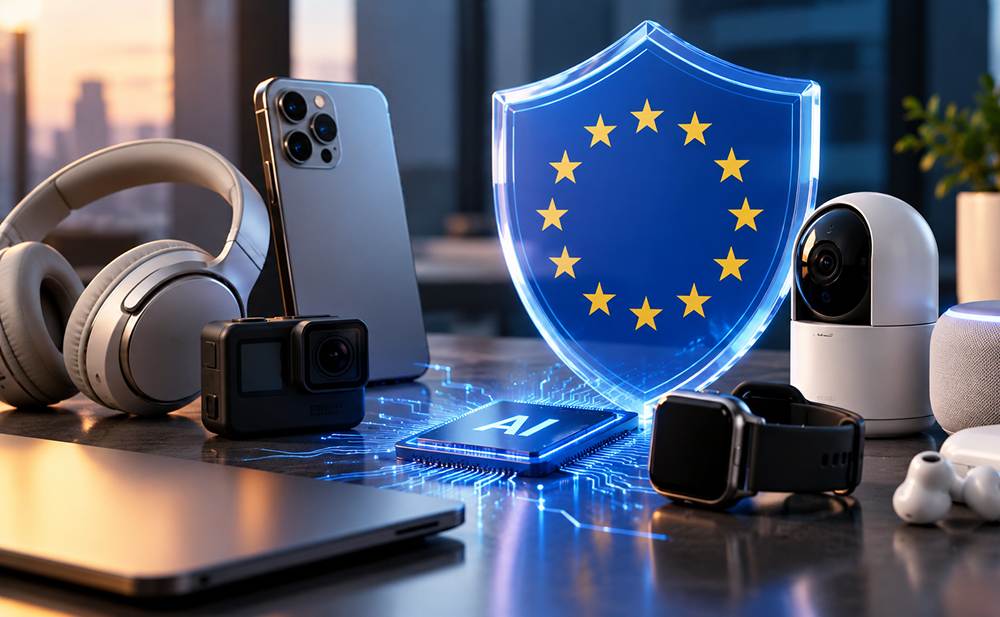
- EU rules now shape the build: Data Act access by design since September 2026, European Accessibility Act (EAA) standards, and main Cyber Resilience Act requirements from December 2027.
What Makes an Appliance “Next-Gen” Going into 2027
Short answer: A next-gen smart appliance does more than connect to Wi-Fi. It reports useful state, takes updates safely, works with other devices, and uses AI to anticipate needs instead of waiting for commands.
For a decade, “smart” meant remote control: start the oven from the sofa, get a ping when the cycle ends. LG describes this as the first phase of its ThinQ platform, built around smartphone control, basic on/off operation, and remote troubleshooting through Smart Diagnosis.
CES 2026 showed the next step. BSH debuted Bosch Cook AI, which combines agentic AI with the brand’s appliance sensors and the Home Connect app. LG showed an AI Browning function on its premium SIGNATURE oven range. It watches food as it cooks and sends a ThinQ notification when it reaches the chosen doneness. At IFA 2026, LG introduced ThinQ Claw, a text-based AI agent. LG called it a proof of concept, with beta testing planned through the end of the year.
Scale matters too. Samsung said at CES 2026 that SmartThings had more than 430 million users as of December 2025, across about 4,700 types of connected devices. In 2024, IDC forecast that global smart home device shipments would reach about 931 million units in 2025, up 4.4% on 2024. In a market this large, the companion app cannot be an afterthought. For many owners, it is the face of the product.
Interoperability is the third shift. Matter 1.5 adds cameras, closures, soil sensors, and tariff-aware energy management. Its headline additions are not appliances, but it builds on device types for large household appliances added in earlier releases. The Home Connectivity Alliance (HCA)—which has expanded its specification to cover cross-brand energy management and service diagnostics—is another appliance-focused standard. LG has said some Samsung appliances already work with ThinQ Claw through HCA.
Taken together, a next-gen appliance has to do four things well: report accurate state, update safely, cooperate with other devices, and explain what it is doing.
The Five-Layer IoT Architecture Behind a Companion App
Users see one app. Behind it sits a stack in which every layer depends on the one below. The table shows what each layer does and what the app needs from it.
| Layer | What it does | What the app needs from it |
|---|---|---|
| Appliance hardware | Motors, heaters, sensors, power electronics, a microcontroller (MCU) or SoC, and a radio module | Reliable sensor data, enough flash and memory for A/B partition rollback, safe fallback states |
| Firmware | Runs the appliance logic, enforces safety limits, manages programs, and talks to the radio | A stable, documented state model, signed over-the-air (OTA) updates, diagnostic data |
| Connectivity | Bluetooth Low Energy (BLE) for provisioning, Wi-Fi for daily use, Thread or Matter for ecosystem reach | Fast pairing, automatic reconnection, local LAN control (mDNS/MQTT) when the internet is down |
| Cloud | Device registry, accounts, state sync, firmware distribution, analytics, AI services | Secure APIs, versioned data models, scalable messaging |
| Mobile app | Onboarding, control, notifications, personalization, support tools | Consistent behavior across phones, offline-first handling, accessible design (EAA-compliant) |
The practical lesson is to define the appliance’s data model before anyone designs a screen. Suppose firmware, cloud, and app each invent their own names and states for something as simple as “cycle paused.” The product then feels inconsistent, and every release breaks something.
Firmware and OTA Updates: The Foundation Under the App
Most app problems that users report are firmware problems in disguise. A status lags. A program cannot be started remotely. A connection drops after an update. That is why firmware should be designed with the app in mind from day one. It is also why embedded software development and app development belong in the same conversation.
In appliances, firmware also carries safety duties. Heating and motor control follow safety classifications such as Class B under IEC 60730. Remote commands must never override local limits. When firmware is architected with clean hardware abstraction, standardized state reporting, and multi-device communication in mind, manufacturers can reuse that core platform across entire product lines rather than rebuilding the stack for each new model.
Three design rules protect the app experience:
- Local safety logic always wins over remote commands.
- Offline-first control keeps the appliance usable when the internet is down. Using local LAN protocols (such as mDNS discovery, local MQTT, or Matter local fabric) ensures the phone can still pause a cycle or check temperature on the home Wi-Fi even if cloud servers go offline.
- OTA updates are built in from the start: signed firmware images, secure boot, an A/B partition rollback mechanism, and enough flash to hold a second image. Retrofitting OTA onto a shipped appliance is far harder than designing it in.
Core Features of a Smart Appliance App
Features should follow what owners actually do with an appliance every week, not what looks good in a launch demo. These tend to matter most:
- Guided onboarding. BLE provisioning and Wi-Fi setup are the first things every owner does. Common patterns include BLE pairing, a QR code on the appliance, and a temporary access point. Clear error messages and a retry path matter more than polish.
- Remote control and live status. Start, pause, and stop programs, and show the real state of the appliance, not the last command sent. When the appliance is offline, say so instead of guessing.
- Smart notifications. Cycle finished, door left open, filter due, maintenance needed. Let users choose which alerts they receive, because an app that sends too many gets muted.
- Programs, recipes, and presets. New programs, saved favorites, and settings sent from the phone to the appliance. This is how an appliance keeps improving after purchase.
- Energy and usage insights. Consumption per cycle, cost estimates, and tips. Matter 1.5’s tariff-aware energy features show where the ecosystem is heading.
- In-app firmware updates. Show what is new, let the user pick the timing, report progress and failures honestly, and never leave an appliance half-updated.
- Diagnostics and support. Error codes explained in plain language, guided troubleshooting, and a way to share a diagnostic snapshot with support. LG’s Smart Diagnosis is one example.
- Household sharing. Family members, guests, and permissions, with a clean ownership transfer when an appliance is sold.
- Cross-appliance routines. A hood that starts when the cooktop does, or a washer that waits for a low-tariff window.
- Data access and privacy controls. Show what data the appliance collects, and let users view or export it. The EU Data Act expects this for new connected products placed on the EU market after September 12, 2026.
- Accessible interface design. Under the European Accessibility Act (EAA), companion apps sold in the EU must support screen readers (VoiceOver and TalkBack), proper color contrast, scalable text, and alternatives to complex touch gestures.
Onboarding and Connectivity: Where Apps Succeed or Fail
Onboarding is the first time firmware, radio, cloud, and app all have to work together. Users judge the whole product by it. A typical flow runs like this:
- The app discovers the appliance over BLE.
- The user confirms it is the right appliance.
- The app passes Wi-Fi credentials over an encrypted channel.
- The appliance joins the network and registers with the cloud.
- The app completes the setup.
Every step can fail. Each failure needs a clear message and a way back.
Real-world edge cases separate good apps from frustrating ones. Home Wi-Fi is unreliable, especially in kitchens and laundry rooms far from the router. Many appliance radios support only 2.4 GHz. Dual-band routers that share a single SSID for 2.4 GHz and 5 GHz often cause pairing failures when the phone stays on 5 GHz. Phone operating systems ask for Bluetooth and local-network permissions. Users who tap “deny” need to be guided back. Routers get replaced. Appliances in the field run different firmware versions, so the app must handle an old appliance as gracefully as a new one.
Test onboarding on weak networks, on older phones, and with the appliance installed where it will actually live. For a deeper look at wireless protocols and device discovery, see our analysis of BLE, UWB & Matter connectivity trends.
Matter and the Vendor App: A Sensible Split
Matter standardizes commissioning and basic control across ecosystems. It does not replace the manufacturer’s own app. The Connectivity Standards Alliance says Matter cameras can be built without limiting a maker’s own apps and services. The same logic applies to appliances. In practice, programs, recipes, diagnostics, and brand-specific features still live in the vendor app.
A sensible strategy is Matter for core controls and ecosystem reach, and a strong native companion app for everything that makes your appliance different. Keep the data model ready to map to Matter, and to HCA where your target markets use it.
Matter standardizes commissioning and basic control across ecosystems. It does not replace the manufacturer’s own app. The Connectivity Standards Alliance says Matter cameras can be built without limiting a maker’s own apps and services. The same logic applies to appliances. In practice, programs, recipes, diagnostics, and brand-specific features still live in the vendor app.
Matter & HCA
Use Matter for core controls and cross-brand ecosystem reach. Keep your data model ready to map to Matter, and to HCA where your target markets use it.
Native Companion App
Build a strong native companion app for everything that makes your appliance different — custom programs, recipes, diagnostics, and brand-specific features.
AI Features in Smart Appliances: What Is Real Today
AI in appliances lives in three places. On the device (Edge AI), small models interpret sensor data, such as how browned a loaf is or how heavy a load is. In the cloud, larger models handle recipe generation, personalization, and assistants. In the app, natural-language control and summaries make the whole system easier to use. (For a deeper breakdown of ROI and when to choose Edge ML over deterministic rules, see our guide on when to use AI in home appliances.)
The 2026 examples follow this split. Bosch Cook AI works with the Home Connect app. LG’s AI Browning uses the oven’s own camera and sends the result to the ThinQ app. Samsung’s Family Hub fridge gets AI Vision powered by Google Gemini.
Not all of these ship equally. AI Browning sits in a premium lineup, and ThinQ Claw is still in testing. Treat the 2026 demos as direction, not as a mass-market baseline.
The pattern behind all of them is the same: AI features are only as good as the data the appliance reports. Proactive behavior is built on the sensor and state information the firmware already produces. That is why the multi-device, anticipatory experiences described in ambient computing in consumer electronics depend on solid embedded foundations.
For product teams, a few practical rules apply:
- Decide where each feature runs—on the device, in the cloud, or in the app—based on latency, privacy, offline needs, and running cost.
- Start with narrow, useful features such as doneness alerts or cycle suggestions before open-ended chat.
- Enforce physical safety interlocks and manual overrides. Under appliance safety standards (such as IEC 60335), remote or AI-triggered actions on heating appliances require physical confirmation on the device (a “Remote Enable” button). An AI agent must never bypass hardware safety locks.
- Disclose AI interactions clearly. EU AI Act compliance transparency rules now require apps to tell users when a recommendation, chat reply, or voice assistant comes from AI.
Security and Compliance: What Applies in 2026 and 2027
Six EU rules shape a smart appliance and its companion app. The table reflects the regulatory landscape as of November 2026.
| Rule | Key dates | What it means for the appliance and app |
|---|---|---|
| EU Data Act | Applies since September 12, 2025. Access by design for new connected products placed on the EU market after September 12, 2026. | Users must be able to access and export the data their appliance generates. Buyers must be told what data is collected. The app is the natural interface for this. |
| Cyber Resilience Act (CRA) | Reporting duties since September 11, 2026. Main requirements from December 11, 2027. | Secure-by-design products, vulnerability handling, and security updates over a defined support period. |
| Radio Equipment Directive (RED) | Applies since August 2025. | Internet-connected radio equipment must meet cybersecurity requirements. The EN 18031 series is the compliance path. |
| EU AI Act | Transparency rules since August 2, 2026. Generative AI systems already on the market have until December 2, 2026 for content marking. | Voice and chat assistants must make clear that users are dealing with AI. Synthetic content must be marked. |
| European Accessibility Act (EAA) | Applies since June 28, 2025. | Companion apps for consumer appliances in the EU must meet accessibility standards (EN 301 549 / WCAG 2.1 AA) for screen readers, contrast, and navigation. |
| GDPR | Applies since May 2018. | Account, usage, and voice data need a lawful basis, data minimization, and clear privacy settings. |
Security also belongs inside the app and cloud: secure provisioning, authenticated APIs, certificate and key management, and a clear path for security updates. Compliance does not have to slow down your launch. Treat OTA pipelines, data models, and privacy settings as core product features from day one. Classification and obligations for a specific product should always be confirmed with qualified counsel.
Native or Cross-Platform, Build or Buy?
Two decisions come up in almost every project. The first is the app framework. Cross-platform frameworks suit many appliance apps. However, BLE provisioning, local-network access, and background behavior differ between iOS and Android, and these areas often need native modules. Prototype onboarding early, before committing to a framework.
The second is whether to build on a ready-made IoT platform or build your own. A ready-made platform can shorten time to launch. It can also limit differentiation, and it affects who controls the data you must now make available to users under the EU Data Act. Decide with your roadmap, your data obligations, and your support period in view.
How to Plan the Build
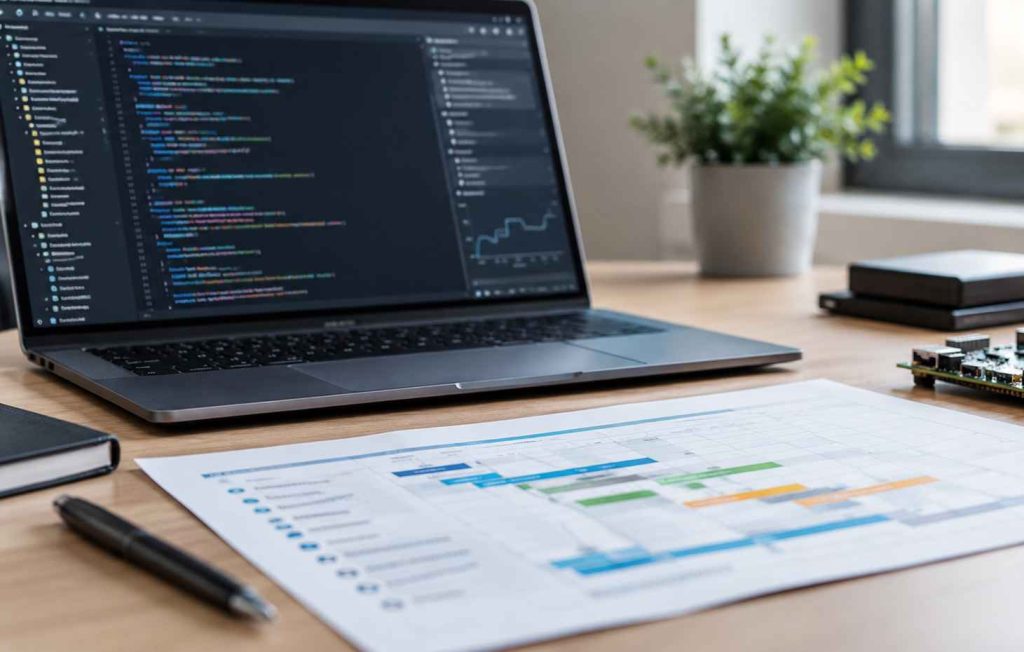
A smart appliance project goes more smoothly when the work is ordered around dependencies. This sequence suits most teams:
The order matters because the first three steps decide how much rework the app needs later. Changing a data model after the app and cloud are built costs far more than agreeing on it up front.
Then measure what matters. Useful signals include onboarding success rate, time to first successful control, firmware update success rate, crash-free sessions, support contacts per 1,000 appliances, and app store rating.
What to Plan in 2027
The dates below are fixed. Work backwards from them when you set the roadmap.
Developex Expertise in Smart Appliance and Smart Home Software
Developex has been building software and firmware for hardware makers since 2001. With 350+ engineers across Canada and Eastern Europe, our smart home and IoT software development teams cover the entire connected product stack—from embedded firmware and cloud backends to companion mobile apps.
Because our embedded and mobile engineers work together from day one, we design unified data models, safety-certified control logic, secure OTA update pipelines, and reliable BLE, Wi-Fi, and Matter commissioning flows as a single system. On the mobile side, our custom mobile development services deliver iOS, Android, and cross-platform companion apps engineered for offline-first resilience, real-time diagnostics, and full compliance with EU data access and accessibility standards.
Frequently Asked Questions
What is a next-gen smart appliance?
It is an appliance that goes beyond remote control. It reports accurate state, updates safely over the air, works with other devices, and uses AI to anticipate needs, usually through a companion mobile app.
What features should a smart appliance app have?
At minimum: guided onboarding, remote control with live status, useful notifications, in-app firmware updates, diagnostics, accessible UI, and clear data and privacy controls. Programs or recipes, energy insights, and cross-appliance routines add long-term value.
Do I need Matter support?
Not necessarily, but it widens ecosystem reach. Many brands support Matter for core controls and keep their own companion app for advanced, brand-specific functions.
Should AI run on the appliance or in the cloud?
It depends on latency, privacy, offline needs, and cost. Sensor-level features often run on the device (Edge AI). Assistants and personalization often run in the cloud. Many products use a hybrid design.
How does firmware affect the quality of the app?
Heavily. Lagging status, failed remote commands, and broken updates usually originate in firmware. Design firmware and app together around one shared data model.
How does the EU Data Act affect a smart appliance app?
For new connected products placed on the EU market after September 12, 2026, users must be able to access and export the data their appliance generates. The app is the natural place to show and export it.
Should we build a native or cross-platform app?
It depends on how much BLE, background work, and permission handling your product needs. Cross-platform often works, but provisioning and local-network access may need native modules. Prototype onboarding early.
How long does it take to develop a smart appliance app?
A standalone companion app typically takes 3 to 6 months, depending on integrations and design scope. Full-stack builds that include custom safety-class firmware, cloud infrastructure, and multi-protocol connectivity typically span 12 to 24+ months. Agreeing on the data model and connectivity strategy first saves months of rework.
Conclusion
Next-gen smart appliances are won or lost in the connection between hardware and app. The standout features of 2026, from proactive AI to Matter interoperability, rest on the same foundations. These are a clear data model, safe firmware, reliable onboarding, and a lifecycle plan that covers updates and data access. Brands that design these layers together will ship appliances that keep getting better after the sale.
Planning a New Smart Appliance or Upgrading an Existing One?
The Developex team can help you plan and build the firmware, app, and cloud layers as one unified product.
Talk to Developex About Your Project